Introducing Custom Brand Colors for Screenshot Annotations & App Connection Monitoring
New
- Workover now tracks whether your connected app’s login still works
Every crawl and screenshot capture now checks that signing in to your app succeeds, rather than quietly continuing if a password has changed.
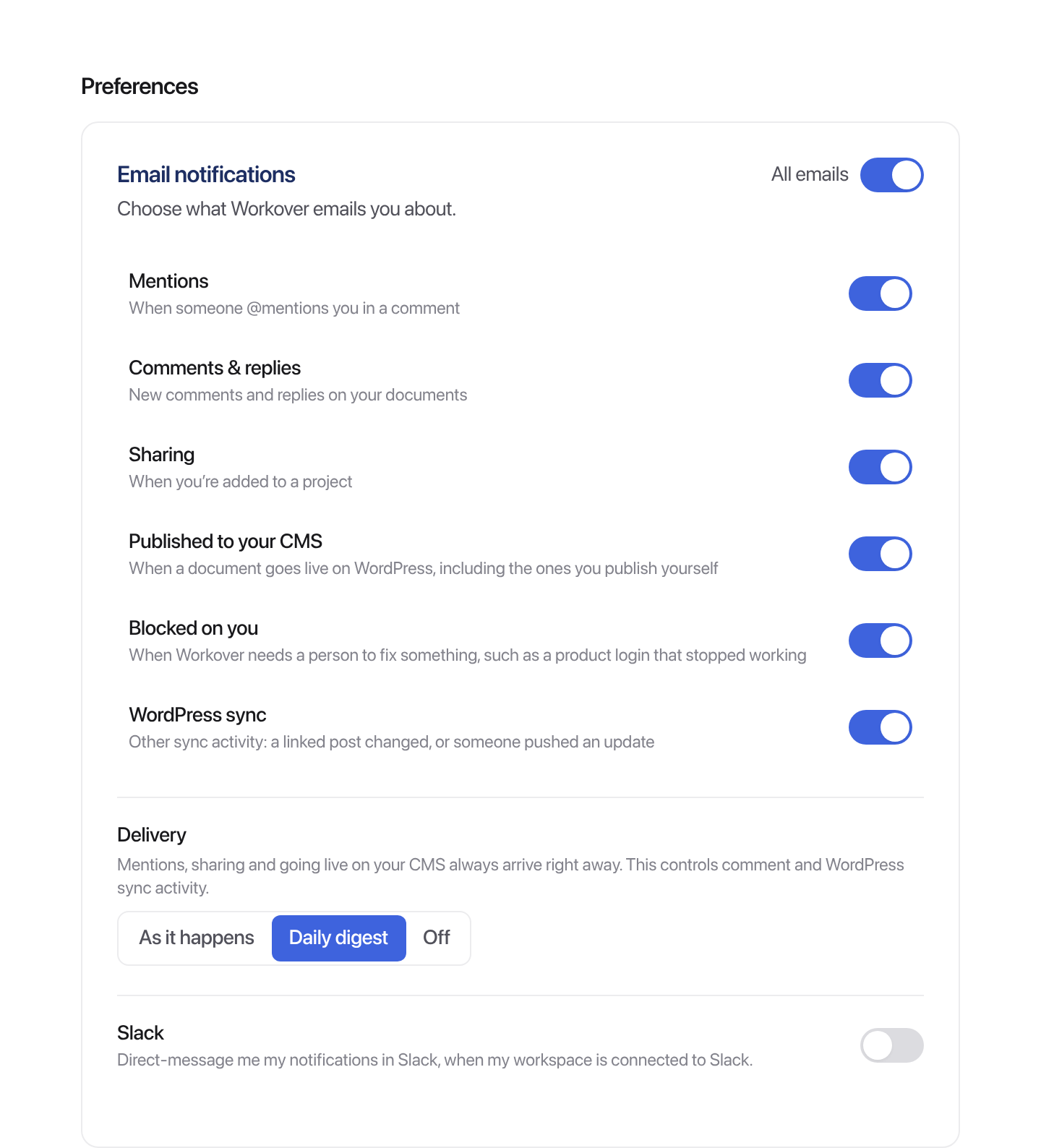
When it is blocked on something only you can fix, you get an email about it (on by default, adjustable in notification settings).
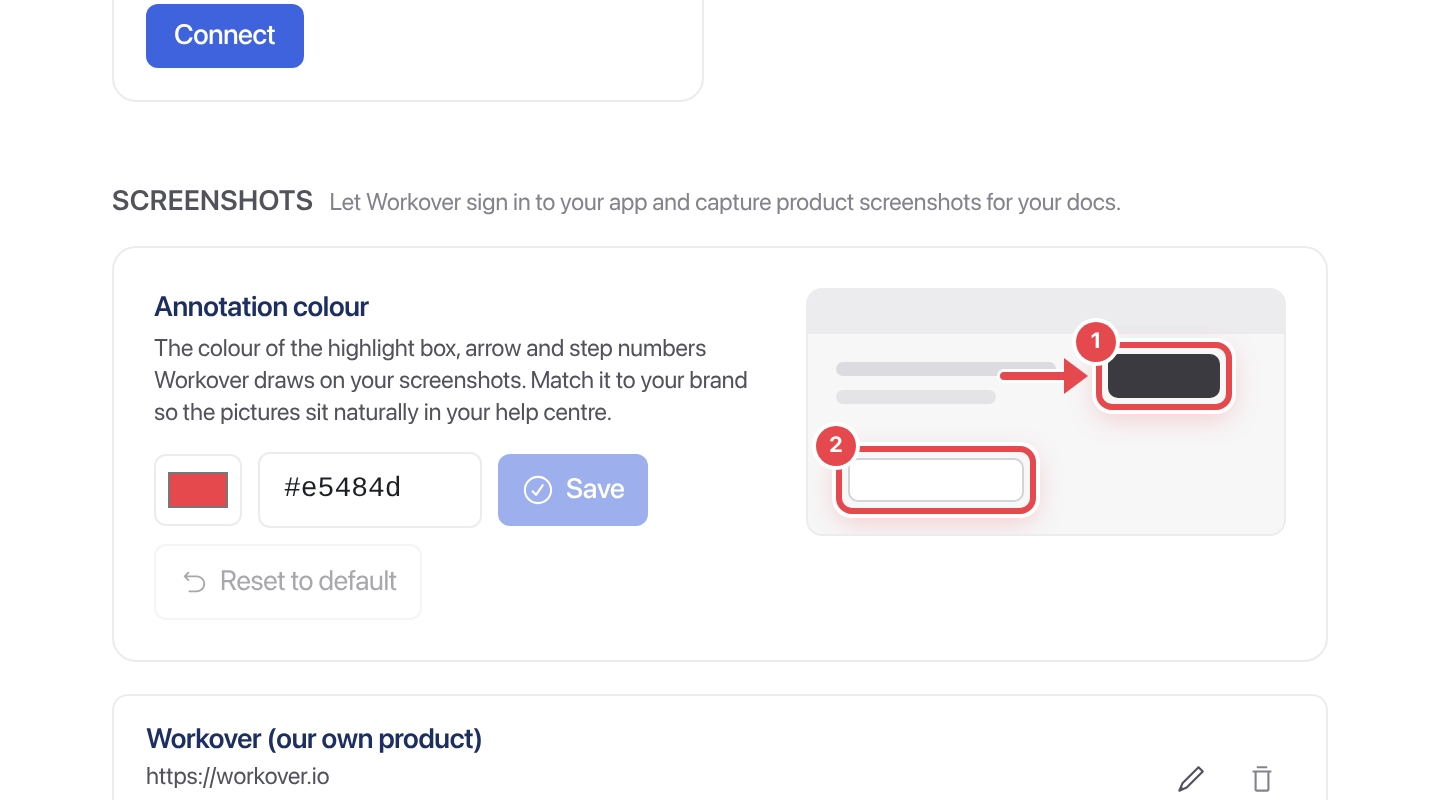
- Workspaces can set their own color for screenshot annotations
Let the Workover Agent take & annotate on-brand screenshots (instead of being limited to the default red for annotations).
Fixed
- Keep image links, code links, sub/sup, and during WordPress sync round trip
Better Notifications, Image Handling, and More
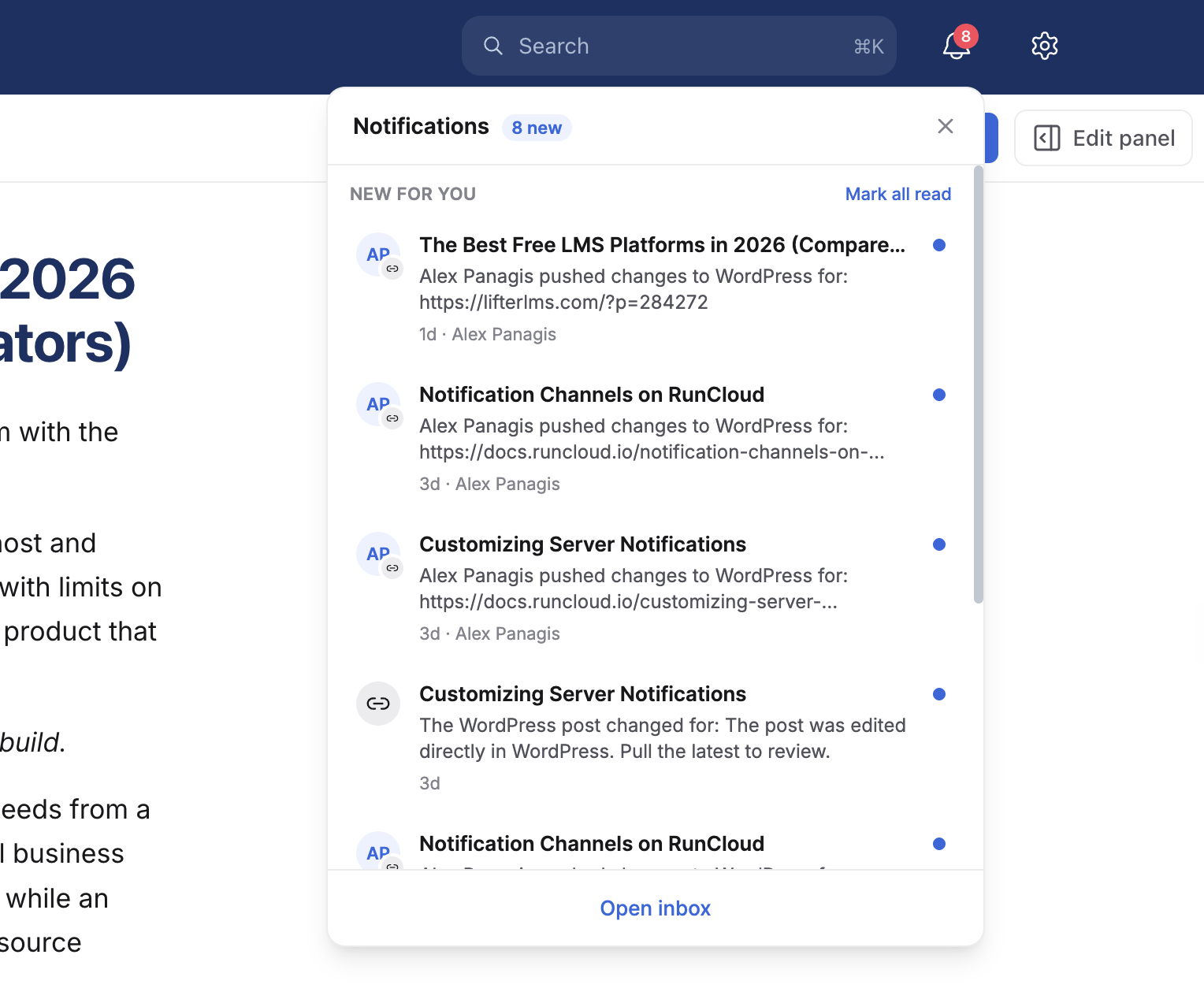
View notifications without navigating to the inbox
The notification bell now opens as a panel instead of taking you straight to the inbox. Archive or mark as read from the row, Mark all read to clear it.
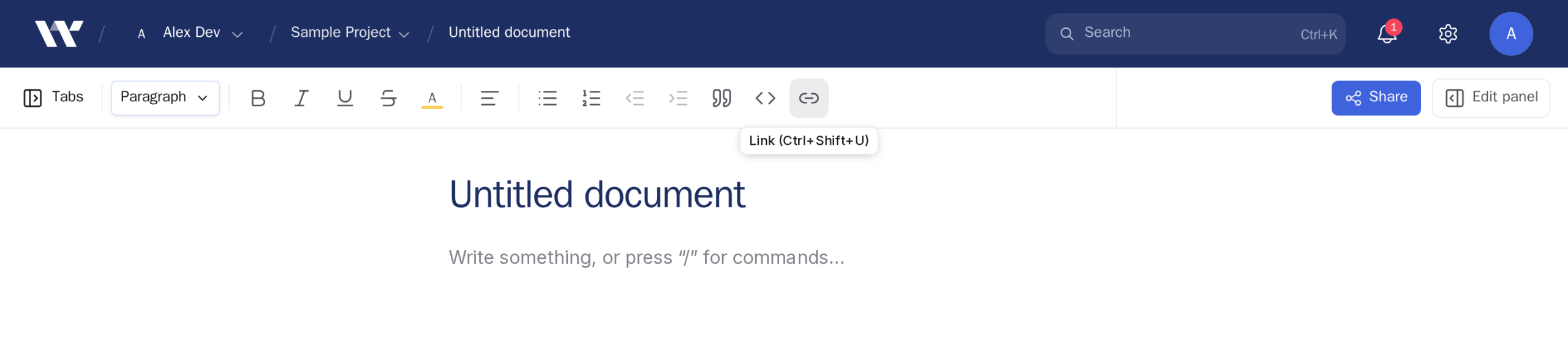
Tooltips with keyboard shortcuts
Hover a formatting control for a moment, and it tells you what it is. Shortcuts now match the machine you are on: the link button reads ⌘⇧U on macOS and Ctrl+Shift+U on Windows and Linux.
Easily add and remove columns & rows from tables
Add and remove rows and columns, set a header row or column, merge cells, and drag a border to resize. Select text inside a table, and the formatting toolbar now appears above the table rather than over your text.
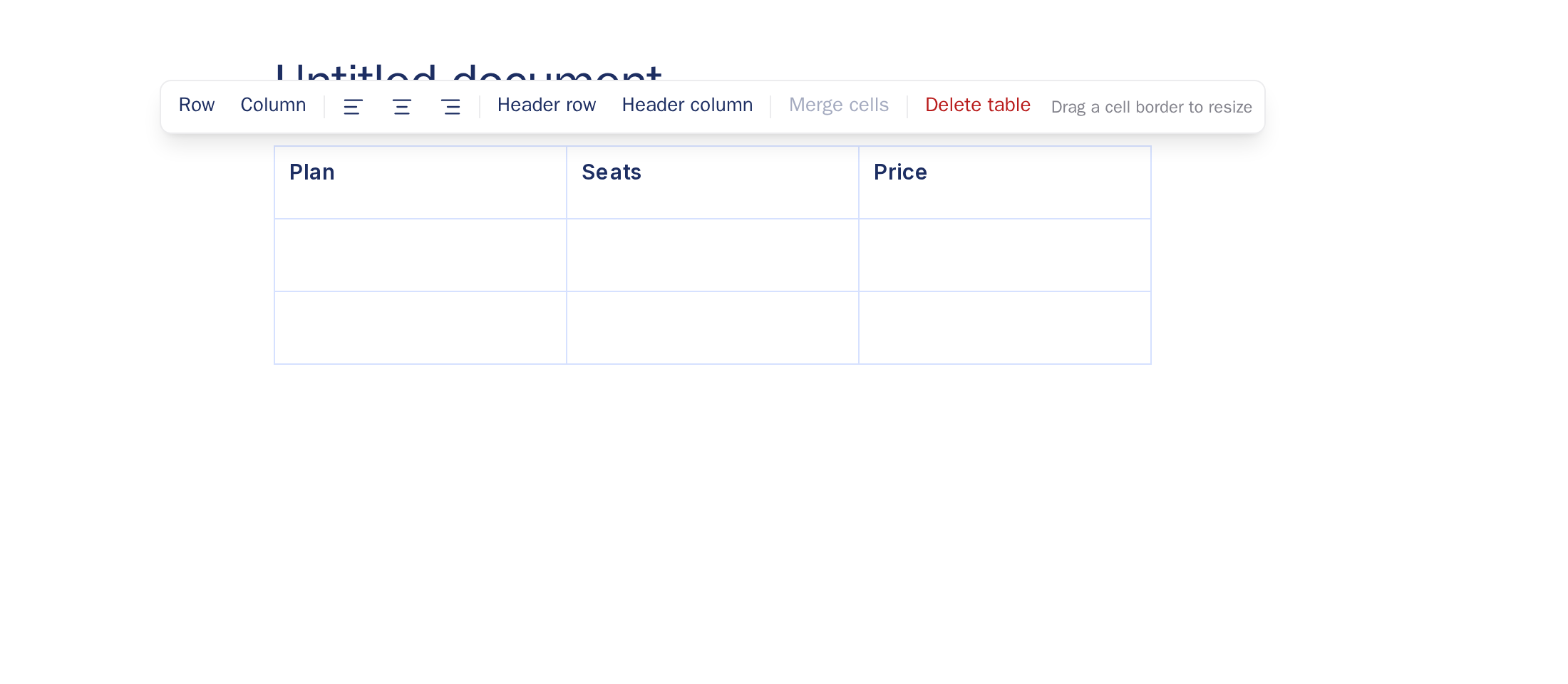
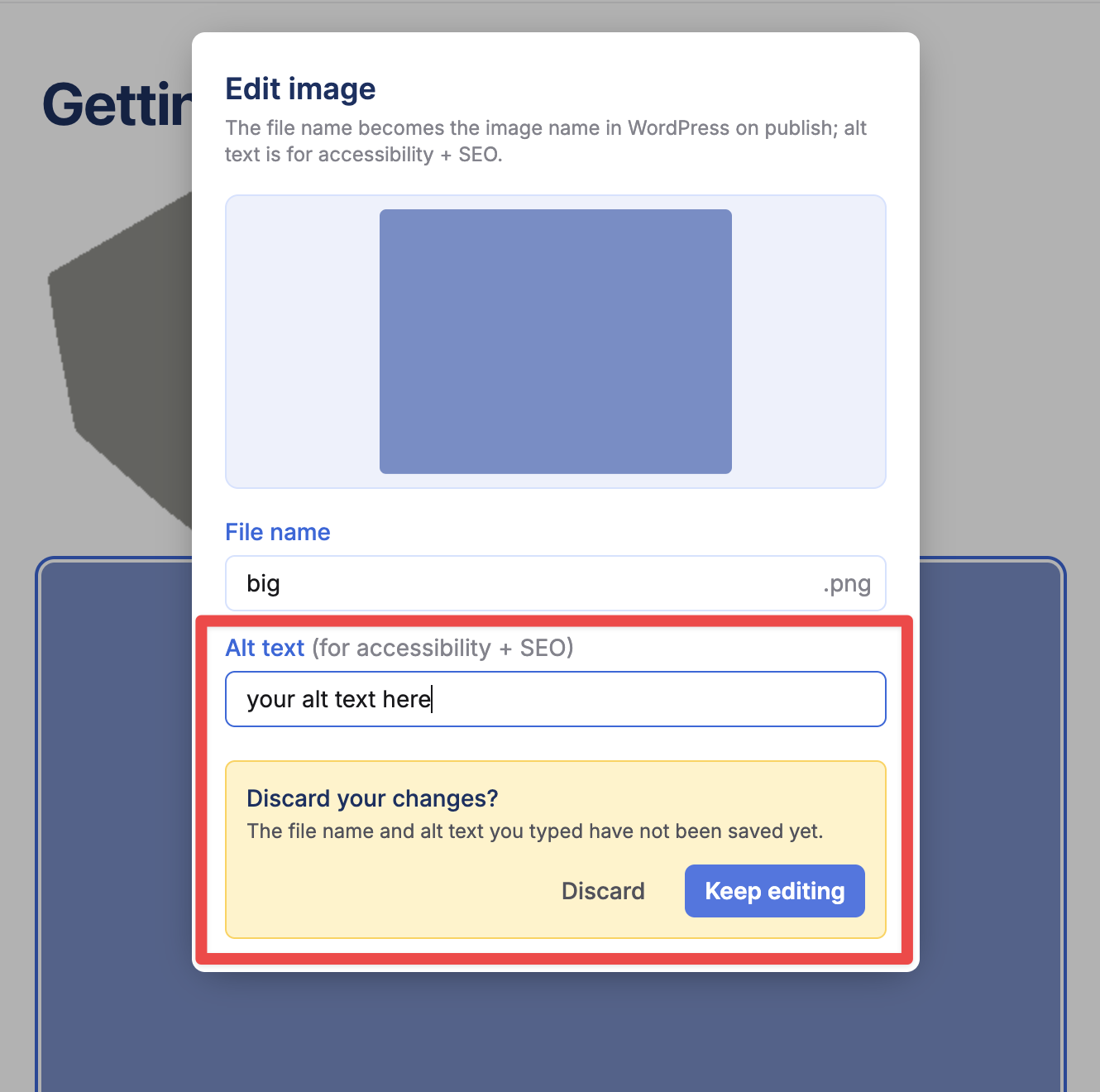
Image edits are harder to lose
Clicking away from an image’s alt text used to discard it silently. You are now warned first. Renaming an image also makes the file extension explicit, so you cannot break it by accident.
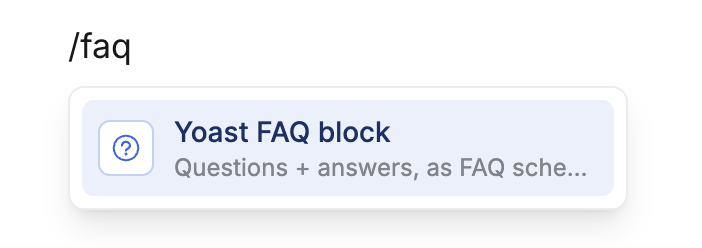
FAQ blocks match your site’s SEO plugin
Insert an FAQ block, and you get one.
The Yoast block on a Yoast site:
The Rank Math block on a Rank Math site:
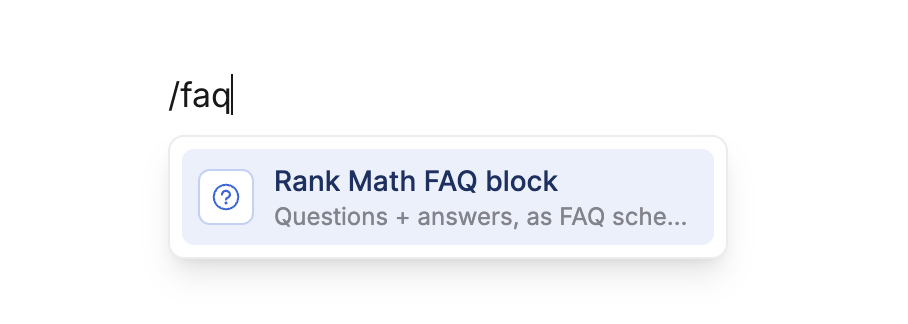
Workover now detects which plugin is installed instead of asking.
Miscellaneous
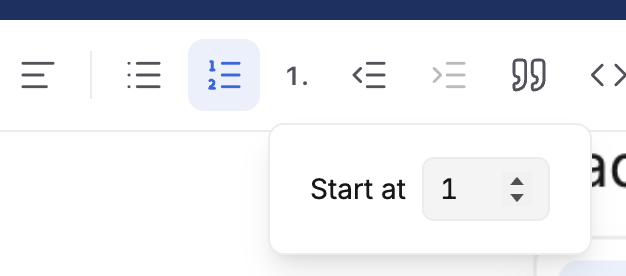
Numbered lists can now start at any number, and preserve these settings from WordPress blocks and syncing to & from WordPress.
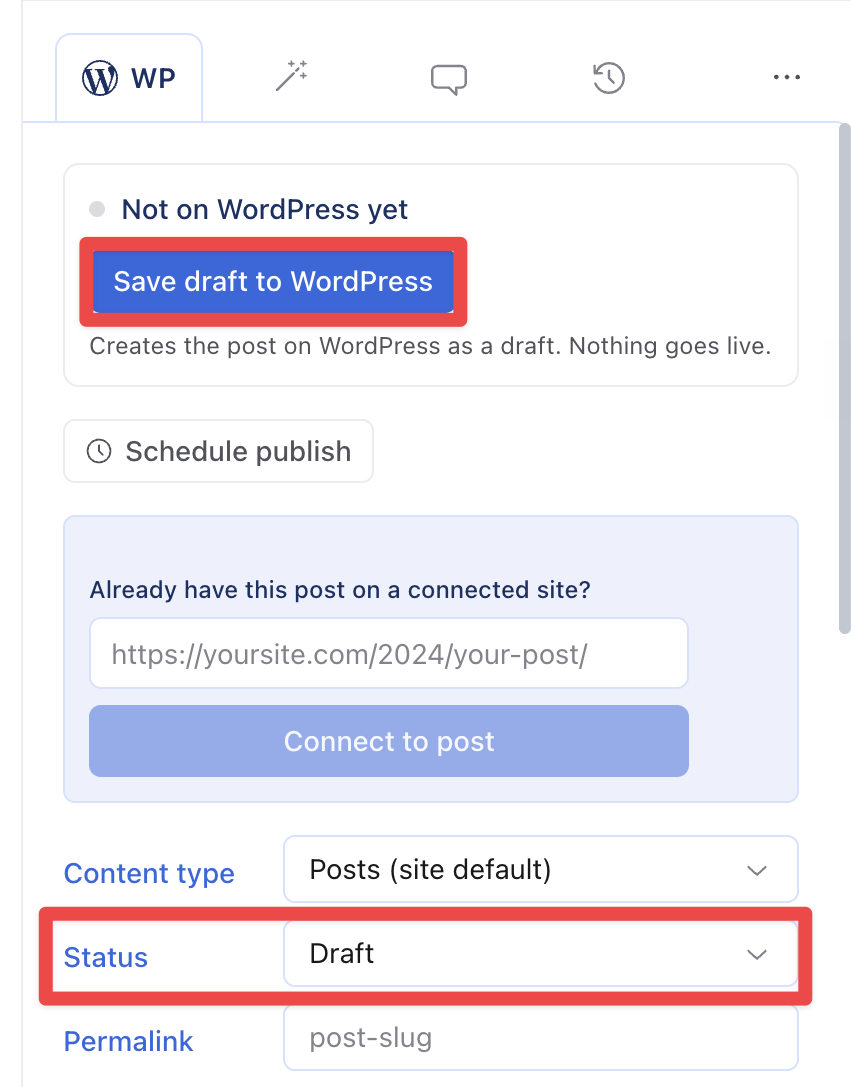
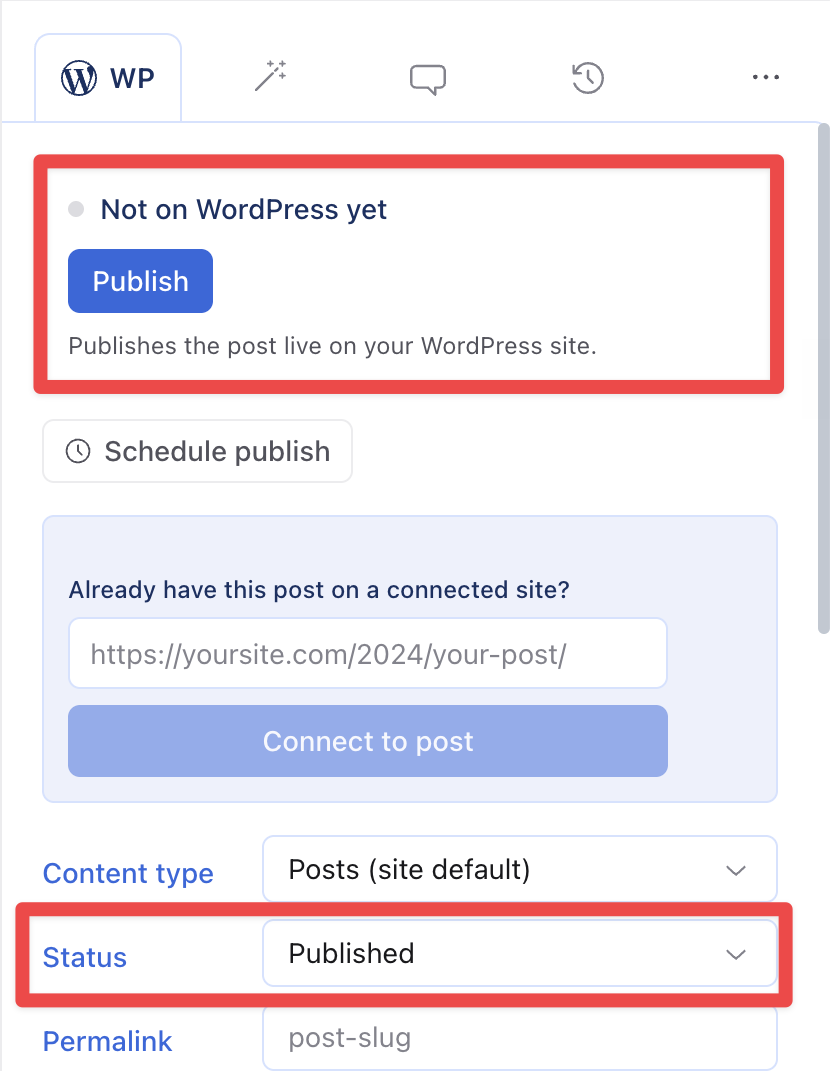
Improved the button copy to clarify exactly what is happening in WordPress based on the “status” set: