GitHub
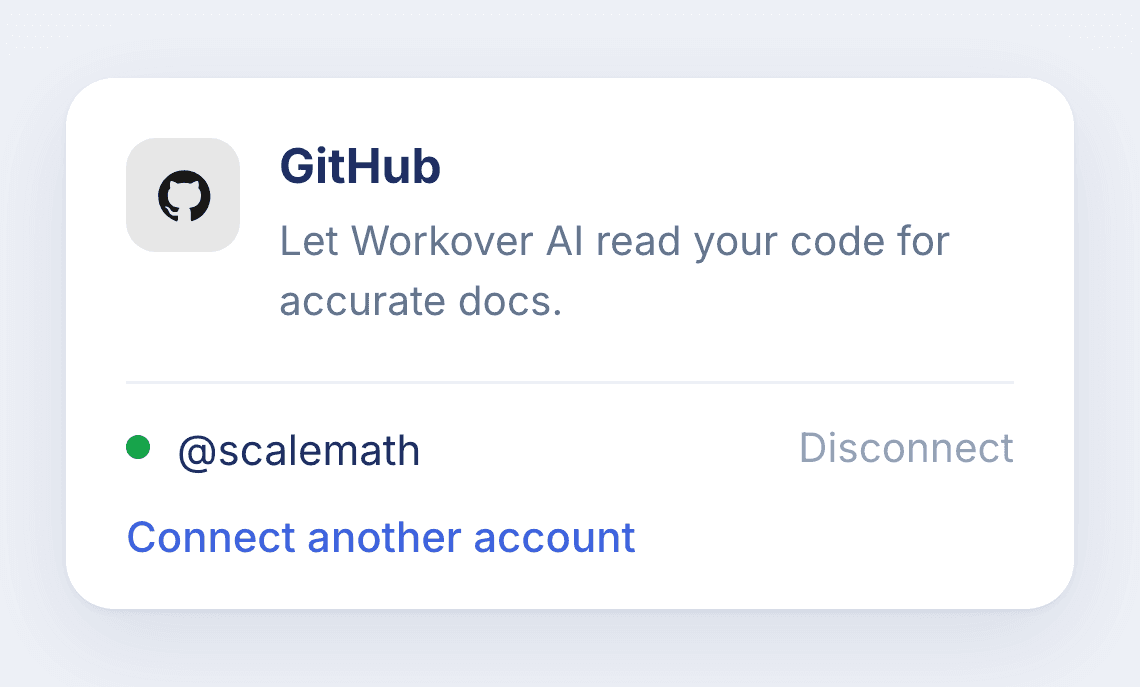
Give Workover AI read access to your code for accurate, up-to-date technical docs.
Get startedConnect GitHub and Workover AI can read your repositories to ground documentation in what your code actually does, so technical docs stay accurate as the code changes. Connect as many accounts and repositories as you need.
- Ground AI drafts in your real repositories
- Keep technical docs in sync with the codebase
- Read-only, per-repository access via the Workover GitHub App
How it works
- 1
Open Settings → Integrations in Workover
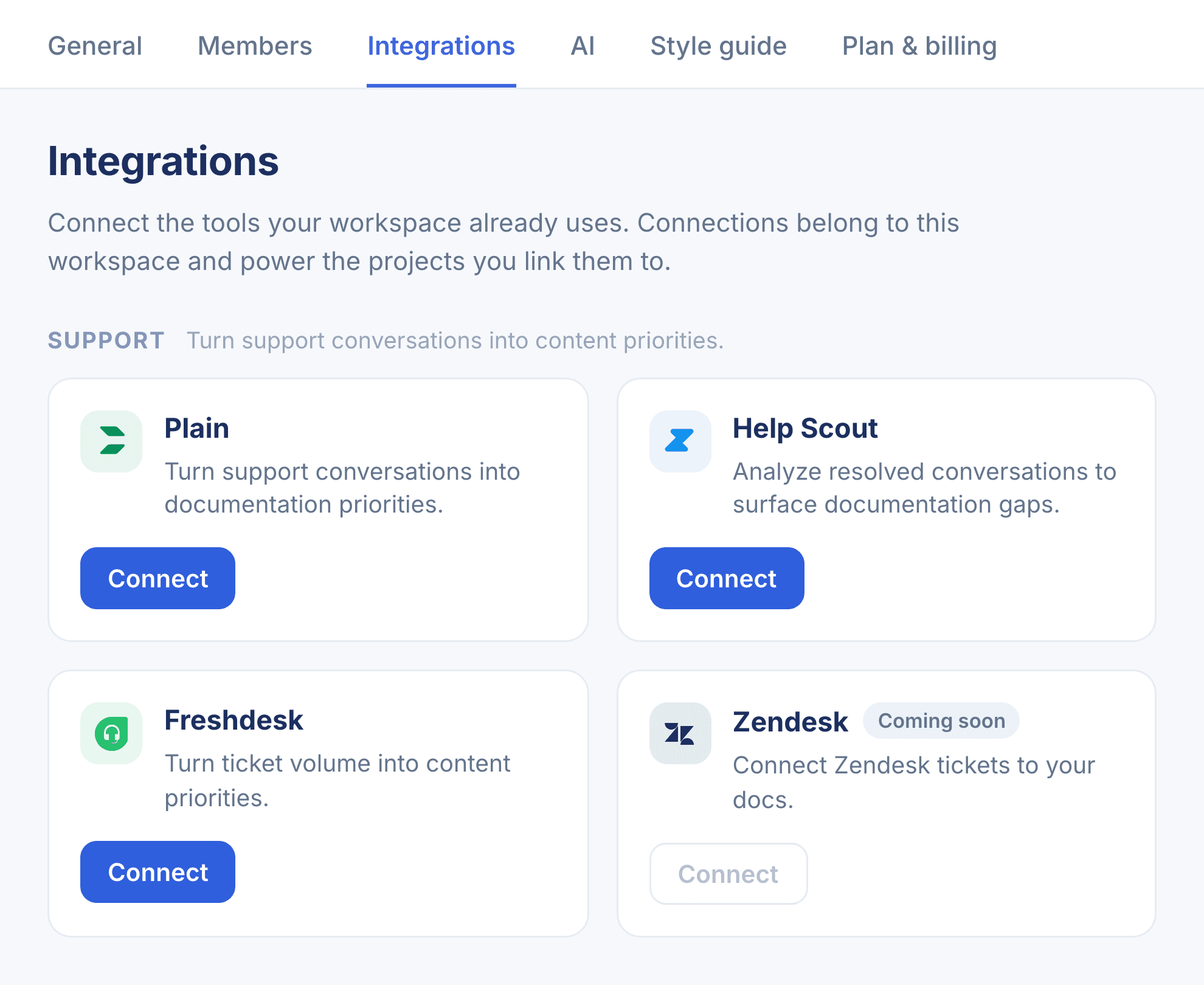
In your Workover workspace, go to Settings → Integrations and find GitHub under the Code group, then click Connect.
- 2
Authorize the Workover GitHub App
You’ll be redirected to GitHub to authorize the Workover app for your organization and choose which repositories it can read.
- 3
Pick your repositories
Grant read-only access to as many or as few repositories as you like. Workover only reads what you select.
- 4
Ground your docs in code
Workover AI now reads the connected repositories when drafting, so technical docs reflect the real implementation. Connect additional accounts anytime.
Read-only. Workover reads only the repositories you select and never writes to GitHub.
Connect GitHub to Workover
Every connection belongs to your whole workspace. Set it up in a couple of minutes.