Help Scout
Spot documentation gaps in the conversations your team handles in Help Scout.
Get startedConnect Help Scout and Workover reads the conversations in the mailboxes you choose, customer messages and replies alike, to surface the docs your customers keep asking for, so your content roadmap reflects what support is actually handling.
- Read whole conversations to find repeat questions
- Prioritize docs by real support volume, not guesswork
- Read-only access to the mailboxes you pick
How it works
- 1
Create a My App in Help Scout
In Help Scout, go to Your Profile → My Apps → Create My App. Name it Workover; any Redirection URL works. Copy the App ID and App Secret it shows you.
- 2
Open Settings → Integrations in Workover
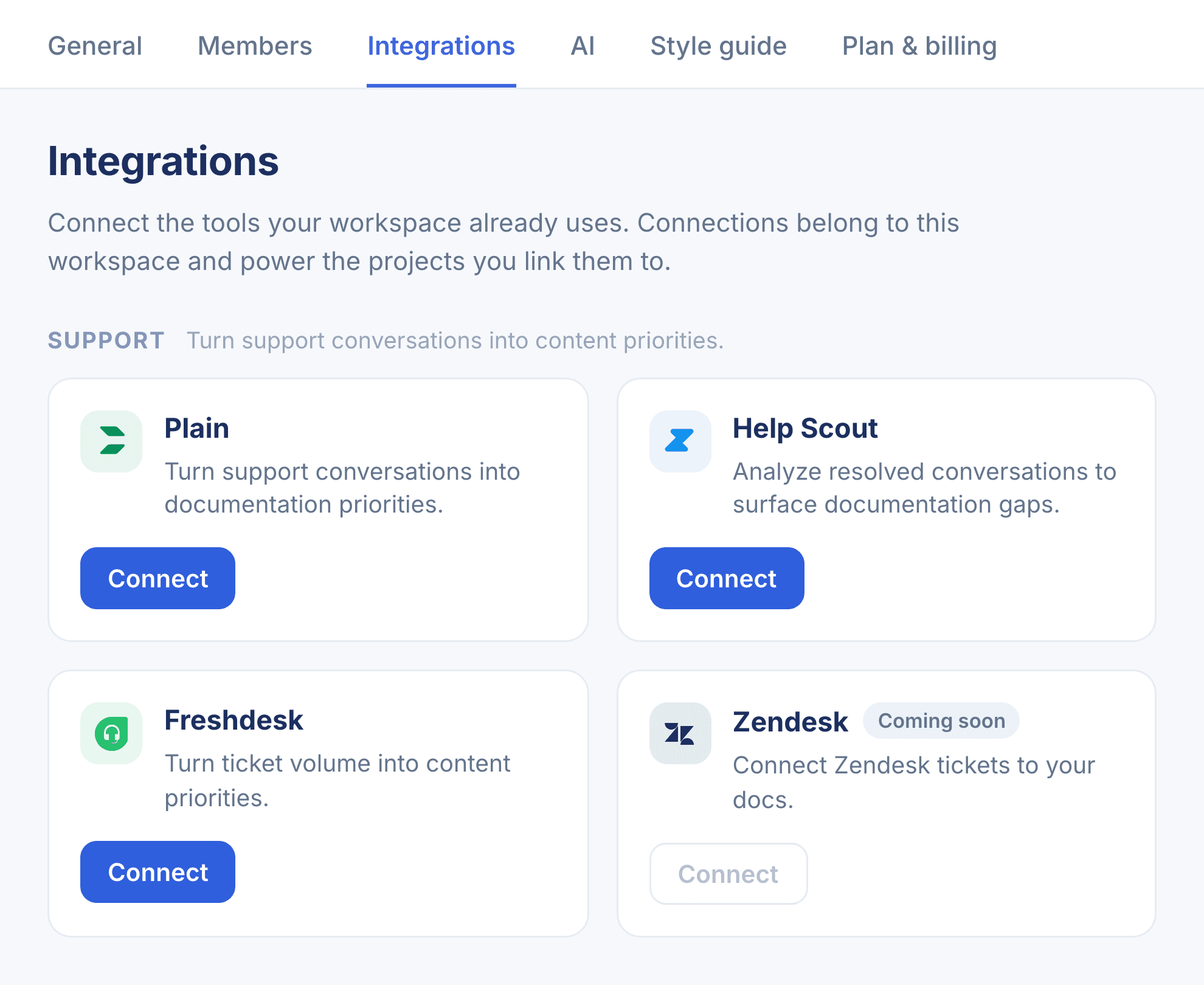
In your Workover workspace, go to Settings → Integrations and find Help Scout under the Support group, then click Connect.
- 3
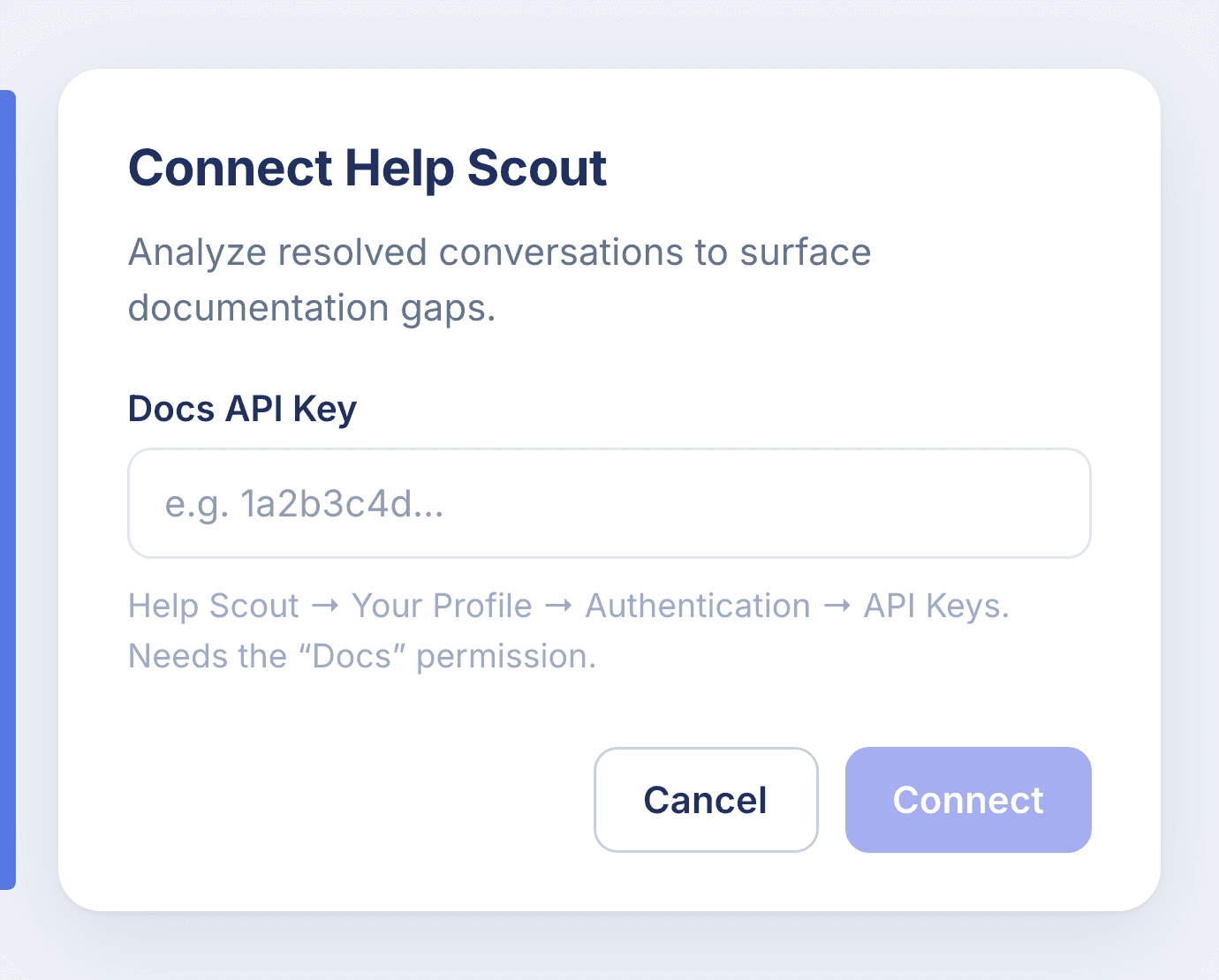
Paste the App ID and App Secret
Enter both in the Connect Help Scout dialog and confirm. They’re stored in your workspace’s encrypted credential vault.
- 4
Choose mailboxes and mark your documentation project
Every mailbox the app can see is synced by default; pick fewer under Mailboxes. Mark the project that holds your help articles as Product documentation, and Workover checks recurring questions against those articles and suggests new ones.
Read-only. Workover only reads conversations from Help Scout and never modifies your account. The app acts as the Help Scout user who created it, so it reads only the mailboxes that user can see.
Connect Help Scout to Workover
Every connection belongs to your whole workspace. Set it up in a couple of minutes.