Share links
A link anyone can open, for when collecting email addresses is more friction than the review is worth.
Creating one
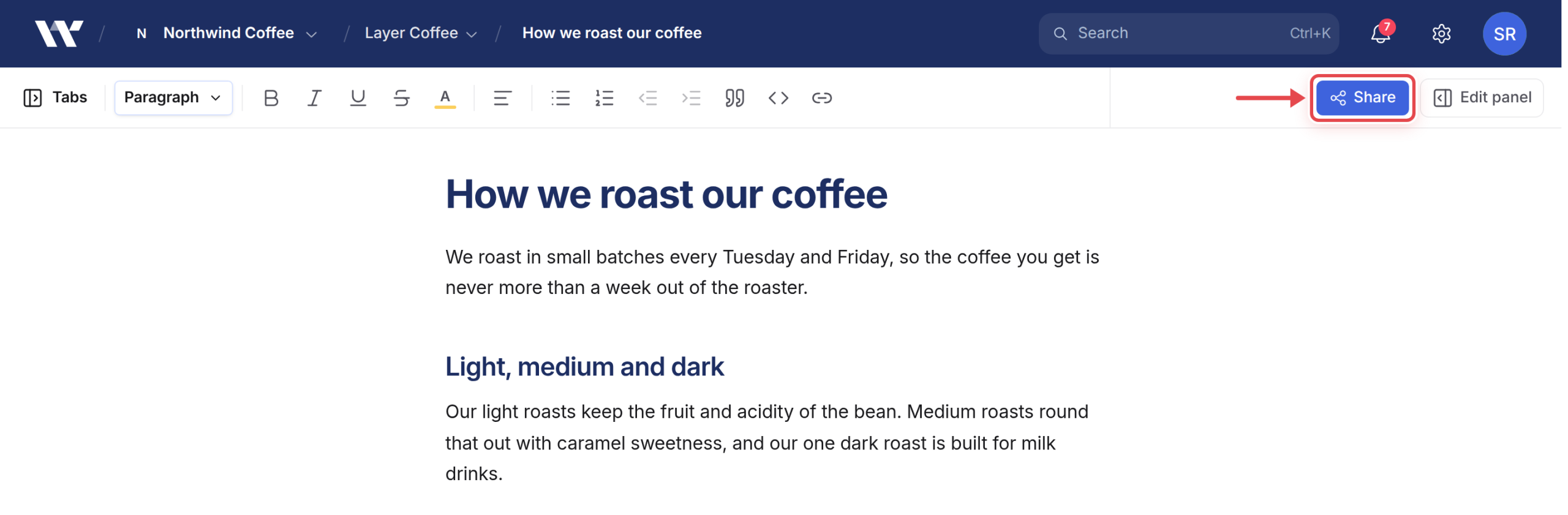
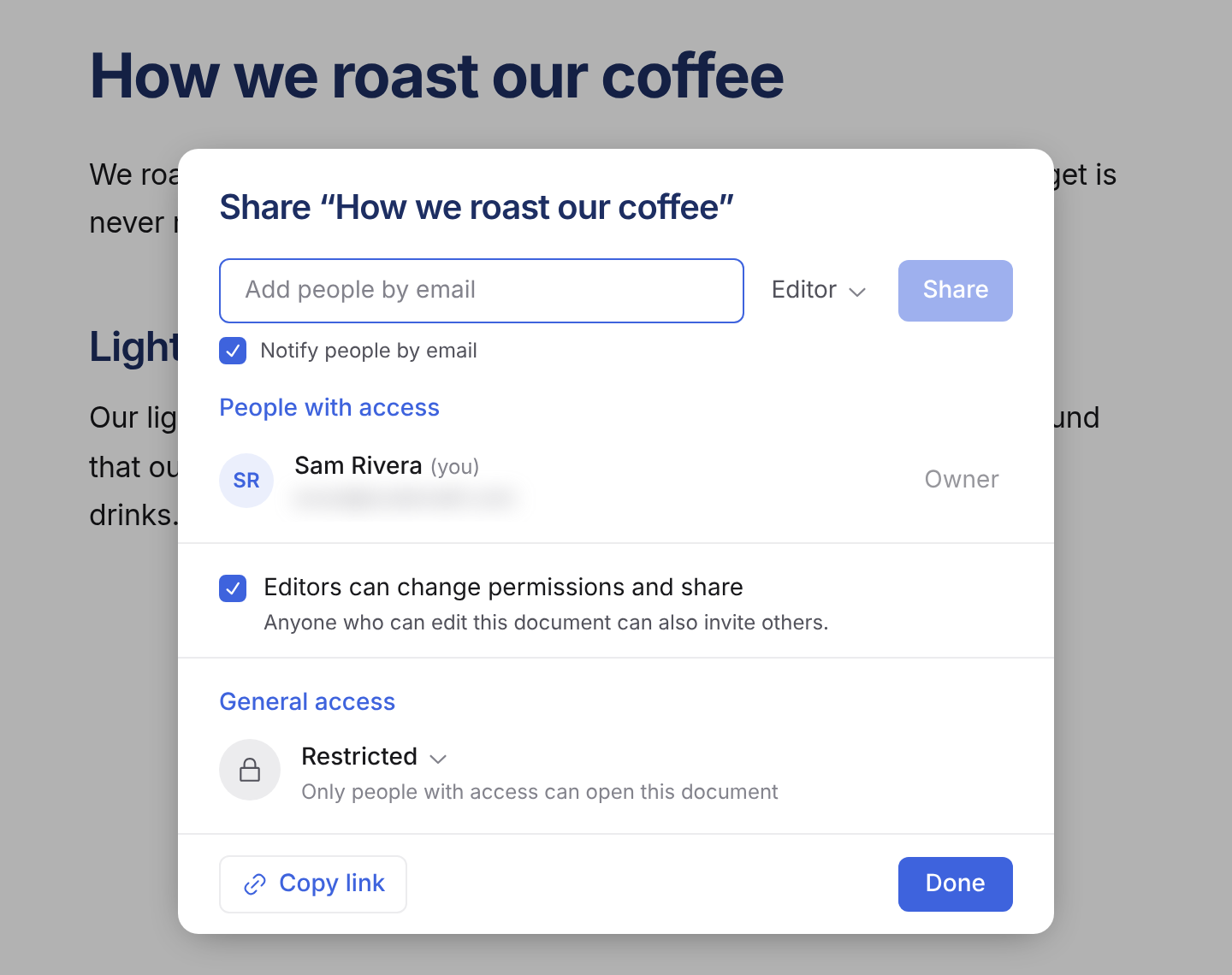
From Share on the document, open the dialog and under General access switch Restricted to Anyone with the link. A role menu then sets what link holders can do:
- Viewer: can view only.
- Commenter: can comment, but not edit.
- Editor: can edit the document.
New links default to Viewer. Copy link copies it; Done closes the dialog.
For Viewer links only, “Who can open it” offers a choice:
- Anyone with the link: no account needed.
- Anyone signed in.
- Anyone at a company domain: requires a verified email at that domain.
- Workspace members only.
Commenter and Editor links always require the person to be signed in to Workover.
What it is
Unguessable, but not secret. The URL contains a random identifier nobody can arrive at by chance, but anyone who has it has the access it grants, including whoever it gets forwarded to. It is a key, not an identity.
A Viewer link set to Anyone with the link needs no sign-in, so you get no record of who read it. If you care who is reading, share by email instead.
What it does not expose
Only that document. Not the project, not your other content, not the site connection, not your workspace. A link recipient cannot publish to WordPress.
Revoking
Set General access back to Restricted. It takes effect immediately, including for someone with the page open: the next thing they do fails.
Revoking is the only way to un-share a link. There is no expiry to wait for, so a link you created for one review is live until you turn it off. Worth revoking when the review is done, rather than leaving a permanent door open.
Cost
Free. Link holders do not consume a seat, whatever role you grant.
When to use which
- A link: quick review, a client who will not create an account, sharing into a channel.
- Email sharing: you care who has access, or you want them notified and mentionable.
- Project access: they work across the site. Costs a seat; see members and seats.
Related
Still need help?
Can’t find what you’re looking for? Our team is here to help.